【Neo4j】Day0 – 安裝Neo4j

使用網址:
Running Neo4j on Docker Guides
- We have a hub to acess images in Neo4j Docker Hub https://hub.docker.com/_/neo4j/
- How To Run Neo4j on Docker https://neo4j.com/developer/docker-run-neo4j/
- Operations Manual https://neo4j.com/docs/operations-manual/current/docker/
安裝Docker
下載符合版本的Docker Desktop https://docs.docker.com/desktop/mac/apple-silicon/
Docker Desktop for Apple silicon
Docker Desktop for Mac on Apple silicon is now available as a GA release. This enables you to develop applications with your choice of local development environments, and extends development pipelines for ARM-based applications.
Docker Desktop for Apple silicon also supports multi-platform images, which allows you to build and run images for both x86 and ARM architectures without having to set up a complex cross-compilation development environment. Additionally, you can use docker buildx to seamlessly integrate multi-platform builds into your build pipeline, and use Docker Hub to identify and share repositories that provide multi-platform images.
安裝完成後就可以進去看到 Docker Desktop 的畫面了
Download Docker Image
下載Docker版本的Neo4j
docker pull neo4j
Run Neo4j in Docker
把程式碼貼到terminal執行就可以了
docker run
–name testneo4j
-p7474:7474 -p7687:7687
-d
-v $HOME/neo4j/data:/data
-v $HOME/neo4j/logs:/logs
-v $HOME/neo4j/import:/var/lib/neo4j/import
-v $HOME/neo4j/plugins:/plugins
–env NEO4J_AUTH=neo4j/test
neo4j:latest
執行 Neo4j
在本機輸入下列網址
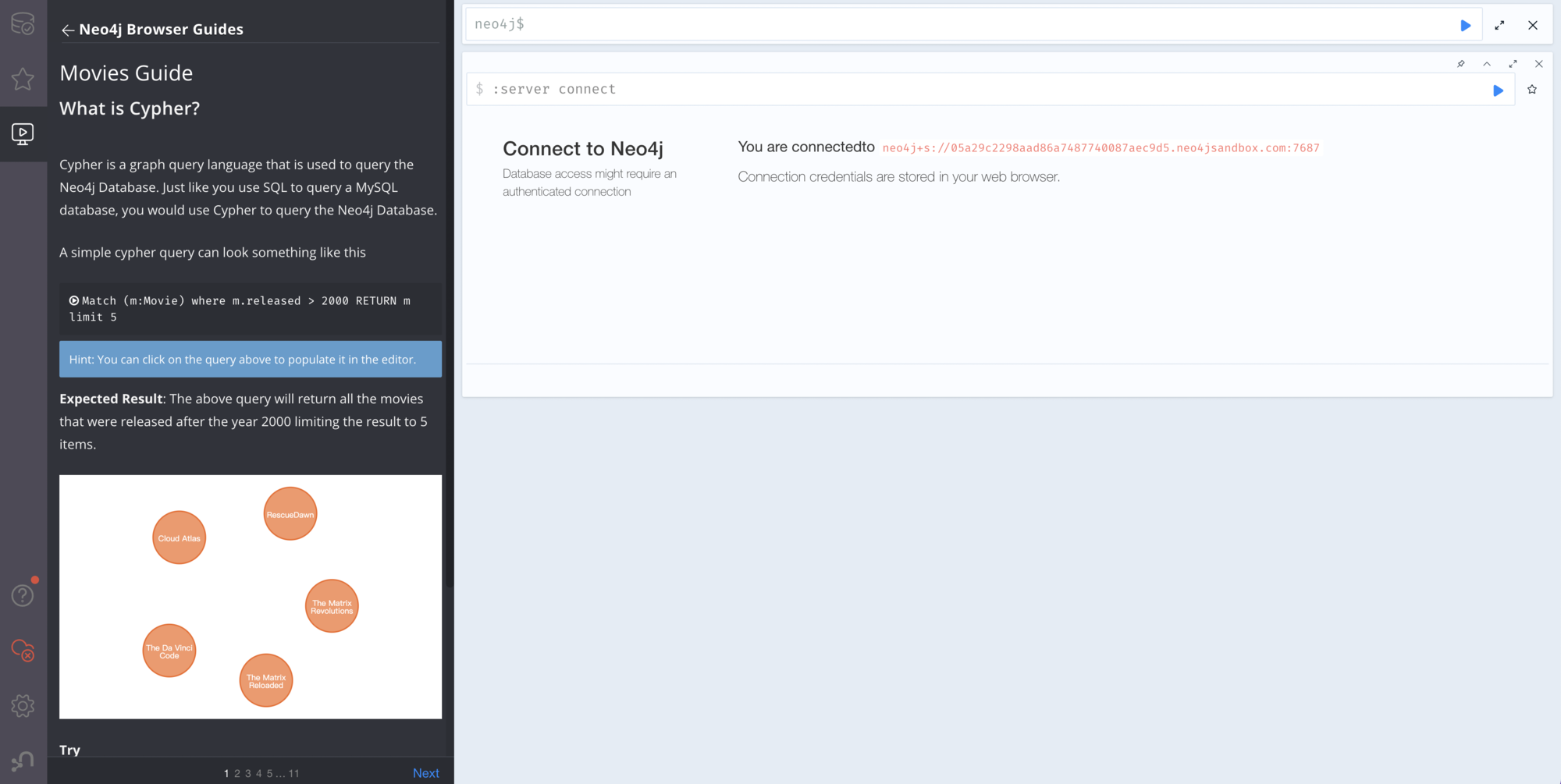
就可以操作Neo4j了